Put HubSpot AI to work for you, the right way
Updated for 2026
Confused on how to get started with AI in HubSpot? Not finding value in the built-in tools you've tried?
This no-nonsense guide shows you how to:
-
Know when to use Breeze Assistant vs. native agents
-
Get better results with the right CRM context
-
Manage credit costs and understand data security
-
Connect outside LLMs to HubSpot
-
Deploy custom agents for high-value work

Underused AI tools create missed opportunities
Most teams know AI exists in HubSpot, but struggle to use it effectively. Features are scattered, credits are confusing and crucial set up steps are often skipped.
This often leads to:
-
Inconsistent results from generic AI
-
Manual work that could be automated inside HubSpot
-
Paying for external AI tools unnecessarily
Work smarter with HubSpot's built-in AI tools
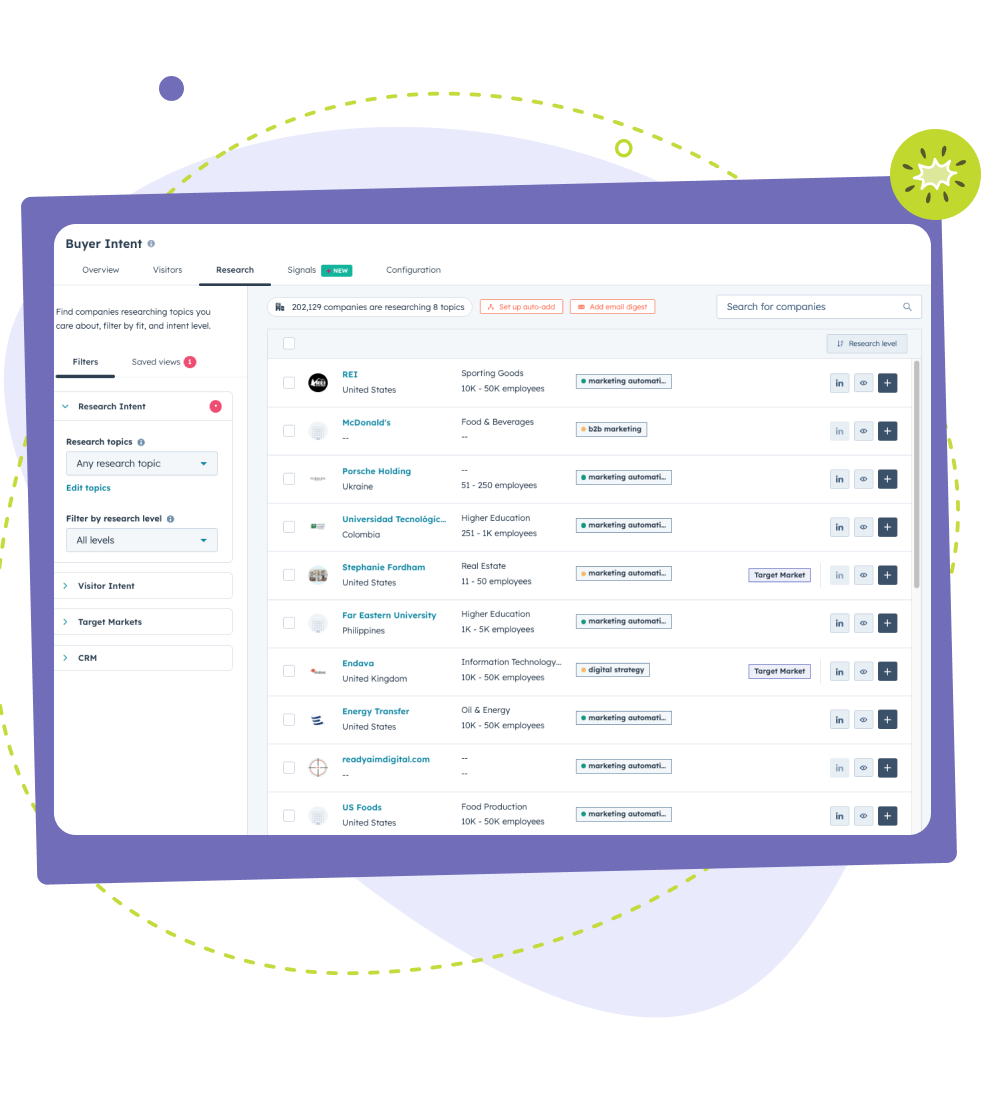
HubSpot's AI works directly inside your portal, using CRM data and business context, so teams spend less time piecing things together and more time acting on insight.
Using HubSpot's built-in AI, you can:
-
Close more deals with contextual CRM insights
-
Improve personalization and segmentation
-
Spend less time on manual busywork